Burst count
Cuts, high-intensity efforts, impacts, and recovery windows.
 HYPERPULSE
Pilot Access
HYPERPULSE
Pilot Access
App
Parents should be able to pick a sport, arm a session, and understand the review without reading a sensor manual.
Parent flow
The app needs to feel calm and obvious. HyperPulse can be powerful underneath without making families stare at engineering language.
Screens
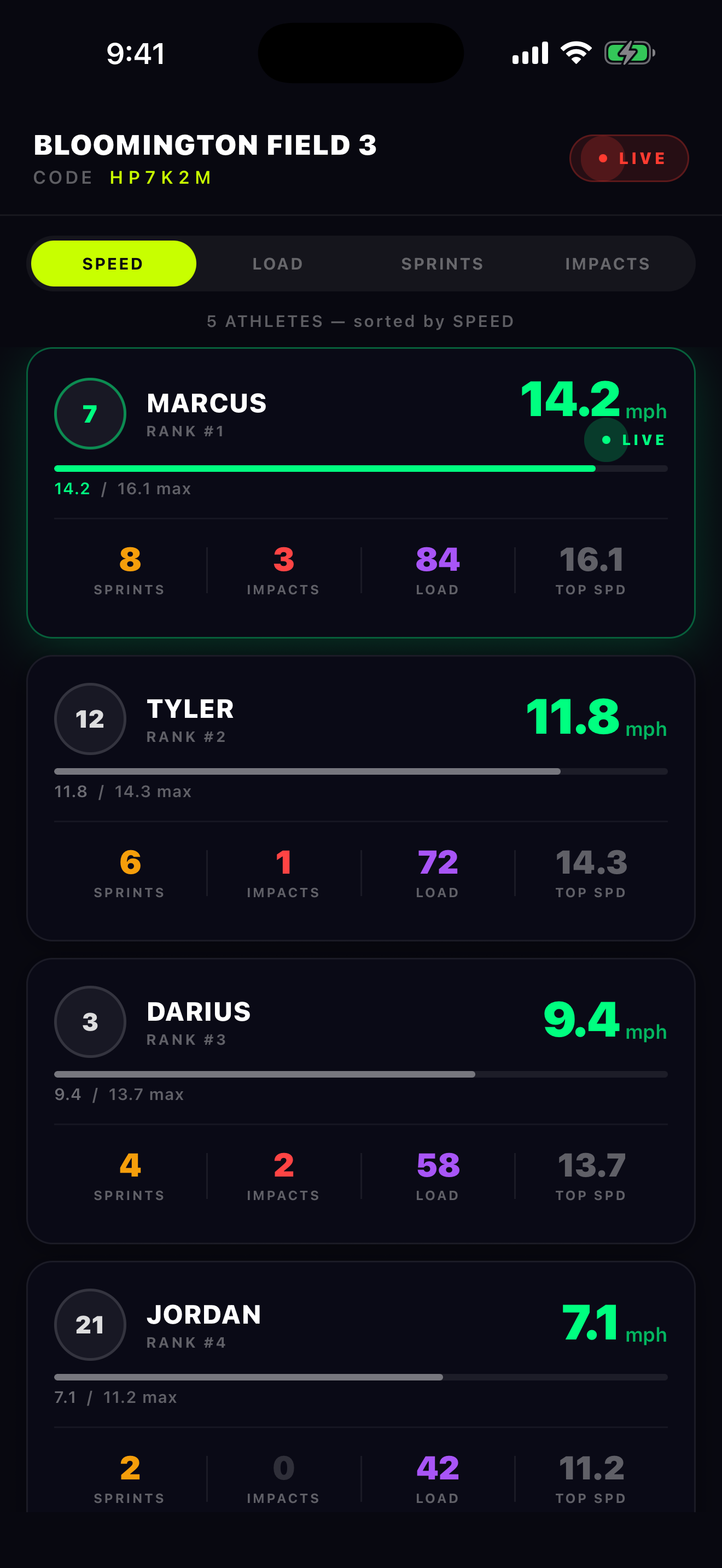
Speed, load, sprints, impacts, jump context, and session state need hierarchy. Parents should see the headline first and the details second.
Metric design
The same sensor can support different sports by changing what the app emphasizes first.
Cuts, high-intensity efforts, impacts, and recovery windows.
Short acceleration, base-running sprint, and rotation context.
Motion-start timer, top-speed window, fade, and consistency.
Jump count, jump height, landing impact, load, and repeatability.
Next page
Each sport page can explain what the parent sees without crowding the homepage.